
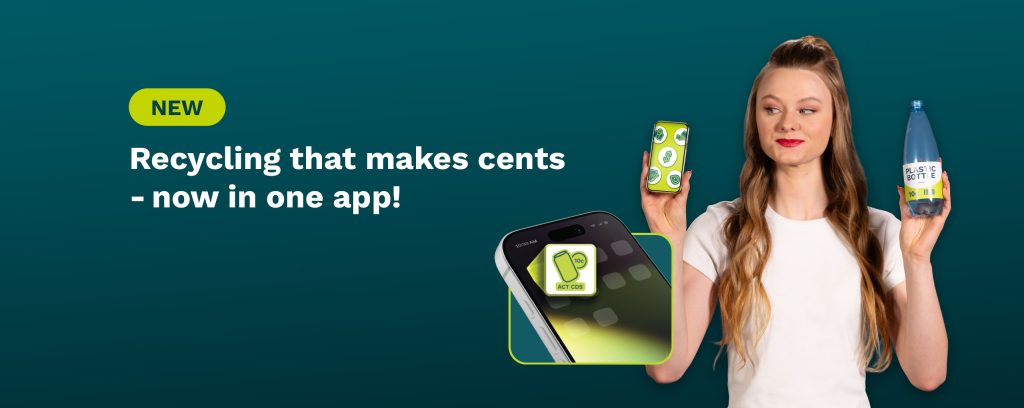
Recycling that makes cents just got even easier with the new ACT CDS app now live!
The new app replaces the current system and makes it easier to manage all your ACT CDS returns and transaction in one place.


You’ll be able to use the new ACT CDS app to

Find local return points
Find and return at all ACT CDS return points including our cash-back depots, drop and go pods or stores, or reverse vending machines.
Book a mobile collection
Schedule a collection from your home, school or workplace directly through the app.
Receive refunds digitally
Access your refunds digitally when returning eligible containers at participating locations.
Donate to local causes
Support participating charities, schools, sporting clubs and community groups through the app.

Track your returns
View your returns history and manage your ACT CDS account all in one place.
What do you need to do?
If you have an existing Express or ReCollect account, we have migrated your account to the new platform. Simply follow these easy steps to access your account:

Download the ACT CDS app from the Apple App Store or Google Play Store

Reset your password

Verify your mobile and email details

Complete the multi-factor authentication set up

Re-enter your bank details
If you’re unable to access your account, please email our customer service team at [email protected] or call us on (02) 6280 8538 and we’ll help get you set up.
How to use the ACT CDS app at our drop & go pods and points
Don’t forget, we have removed the need to print labels for your bags at our pods. To return your eligible drink containers at a drop & go pod or point, follow these easy steps:
1. Write your customer ID number linked to your account on your bag(s) in black marker before leaving home.
Once at your local drop & go pod or point:
2. Open the ACT CDS app and select ‘Press here to get started’. You will need to be within 50 metres of the return point to complete your bag drop.
3. Select ‘Drop & Go’ in the list of options and the app will automatically select your closest drop & go return point based on your location.
4. Next enter the number of bags you are dropping off.
5. Use the app to take a photo or upload a photo of the bags you are depositing all together – this helps us identify your bags.
6. Select whether you would like to donate or redeem your refund.
7. Then confirm your drop off on the app and place your bags in the pod. That’s it – we’ll do the rest.
Our team will sort and count your eligible drink containers and credit your account with your 10c refund. You can then redeem your account balance by selecting “Cash-Out” in the app. If you chose to donate your container refund, we will process your containers and credit your nominated charity with your refund on your behalf.
FAQs
We’re launching the new ACT CDS app and web platform to bring key ACT CDS account services together in one place. The new platform will replace the existing Express account system and ReCollect app, making it easier to manage container returns, refunds, donations and collections. You will need to enter your nominated bank account details if you wish to transfer your refunds.
No. If you already have an Express or ReCollect account, your account will be migrated to the new ACT CDS platform. From launch, you’ll need to log in using the email address linked to your existing account and complete the activation steps, which may include resetting your password and verifying your details. You will need to enter your nominated bank account details if you wish to transfer your refunds
Your account details and balance will be migrated to the new platform. Your previous transaction history may not appear in full in the new app, but records will be retained to support customer enquiries, reconciliation and audit requirements.